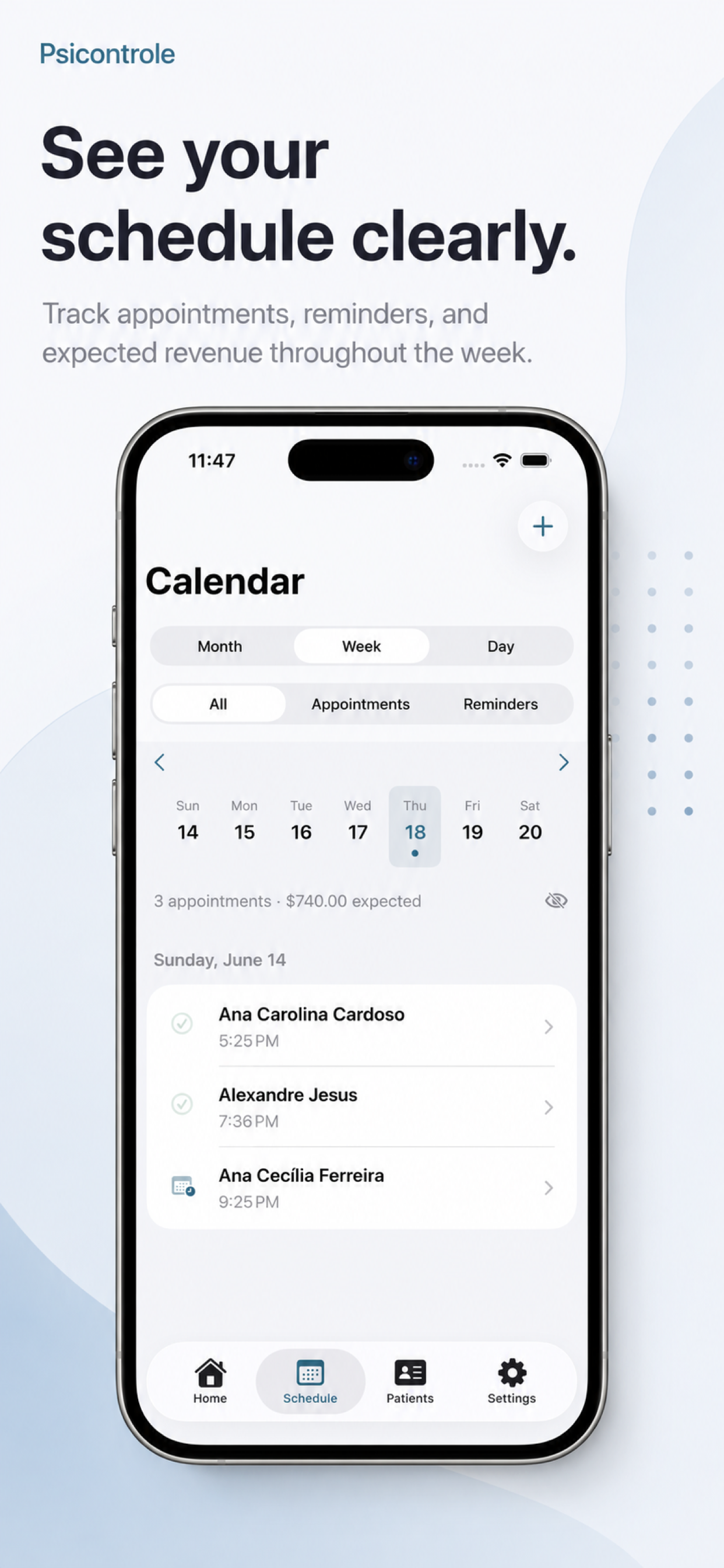
Appointments organized by day.
Review today's sessions, upcoming commitments, recurring appointments, and reminders with a clear view of your clinical week.
Native iOS app
Schedule, patients and payments connected, so you can follow every step of an appointment on iPhone.
Clarity for your routine. Privacy on your terms.
See the app in action
From your schedule to patient context and payments: explore a real journey through PsiControle.
The demonstrated features require a subscription. The recording uses fictional data.
Your routine, in one place. See your schedule clearly. Find each patient. Keep their context close. Stay on top of payments. The demonstrated features require a subscription. The recording uses fictional data.
Clinical routine
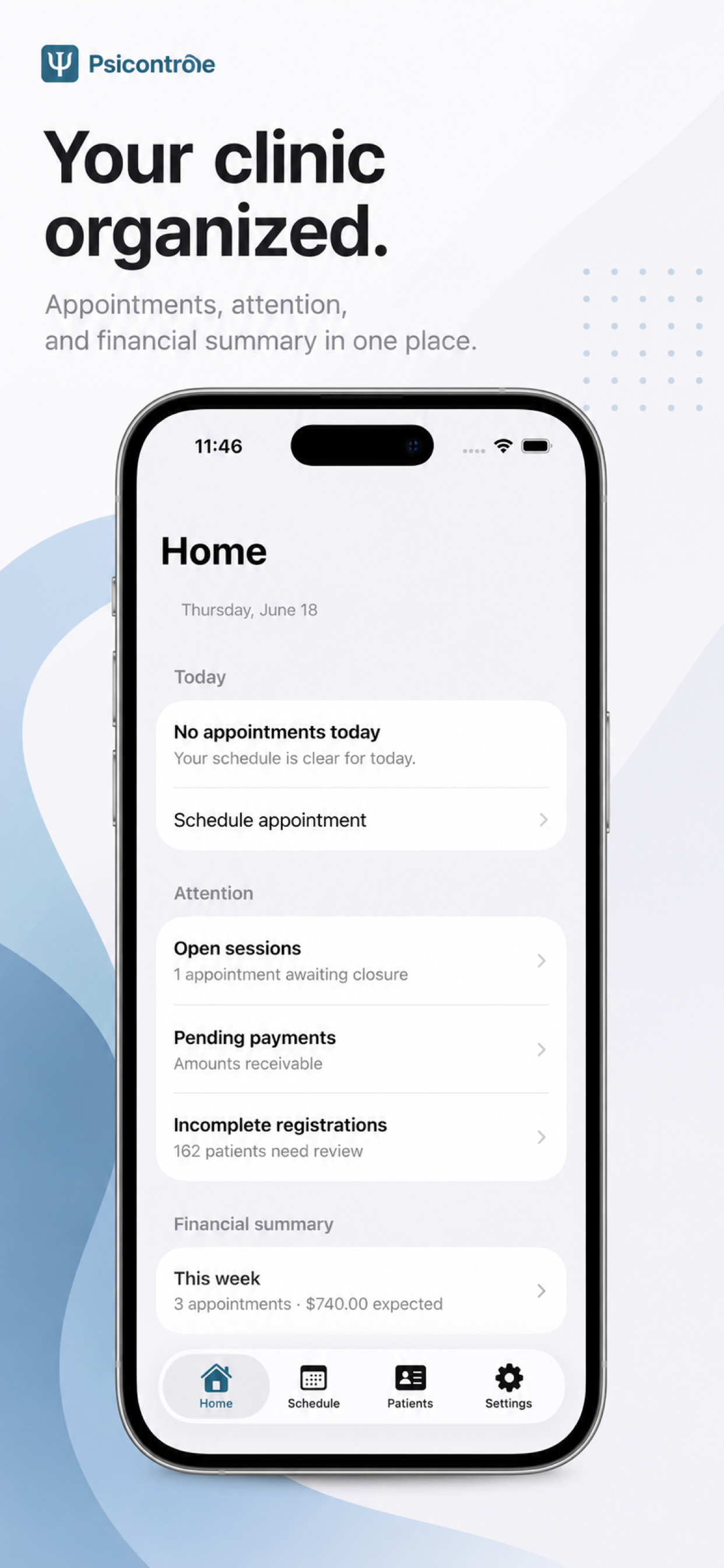
Keep your schedule, patient context, pending items, and finances close at hand — without switching between spreadsheets, notes, and disconnected tools.
Review today's sessions, upcoming commitments, recurring appointments, and reminders with a clear view of your clinical week.
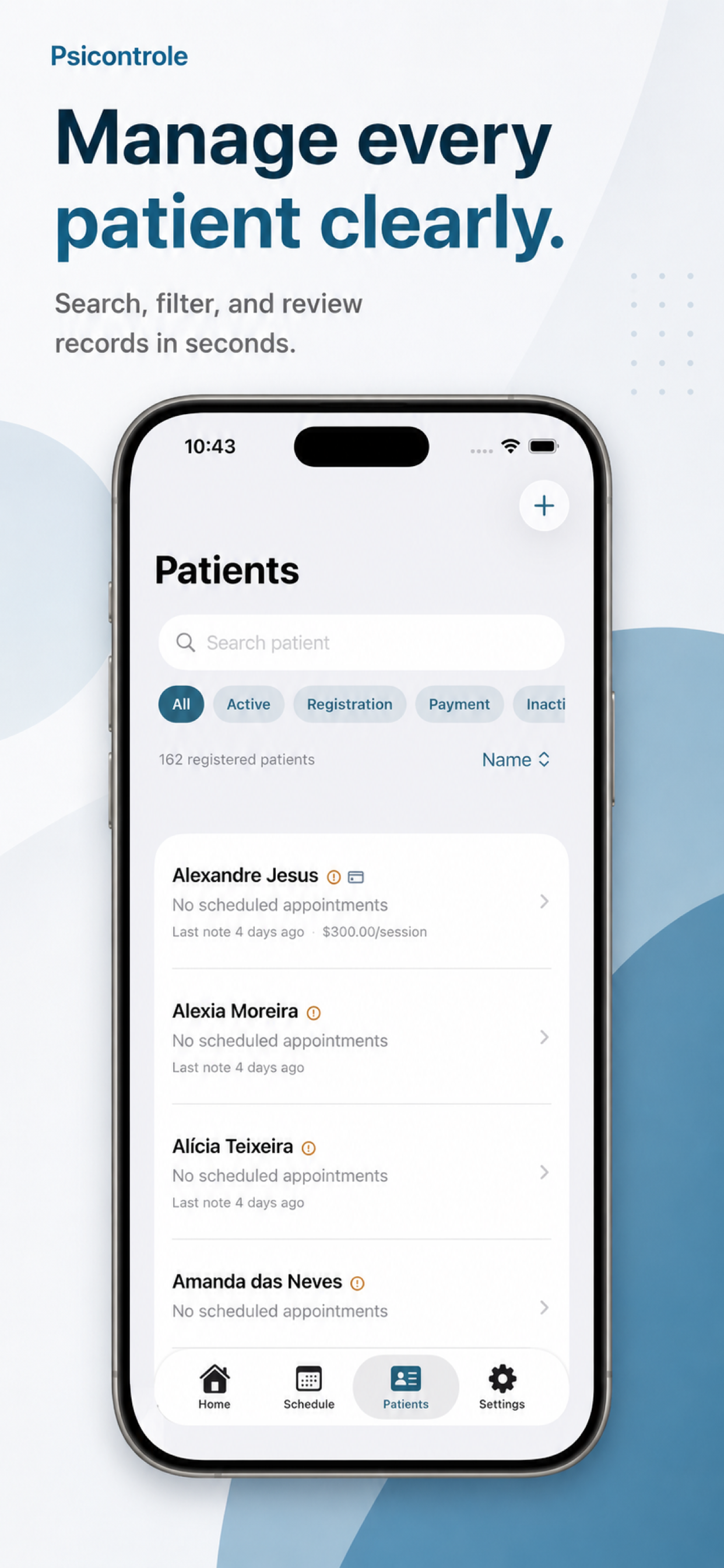
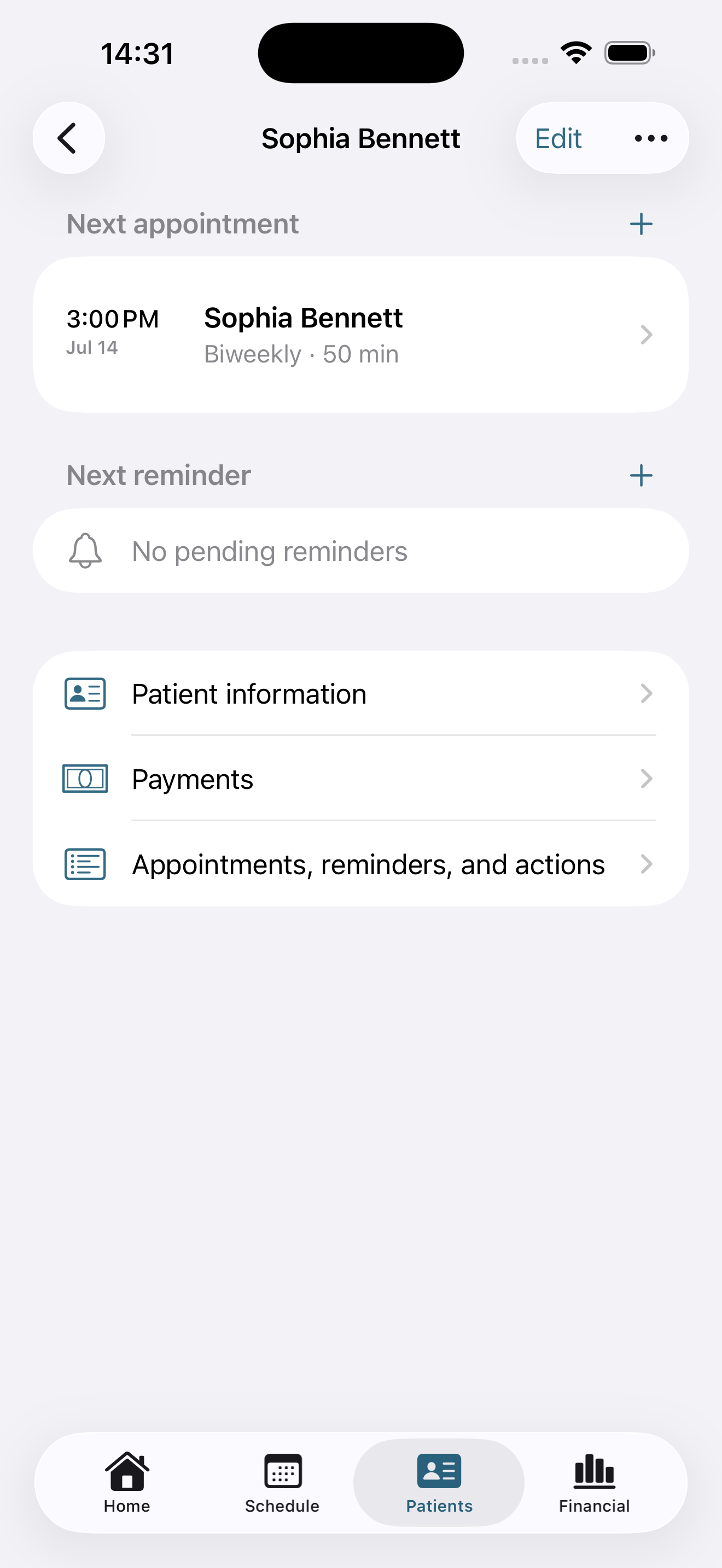
Keep contact details, documents, notes, history, and pending items connected to each patient record.
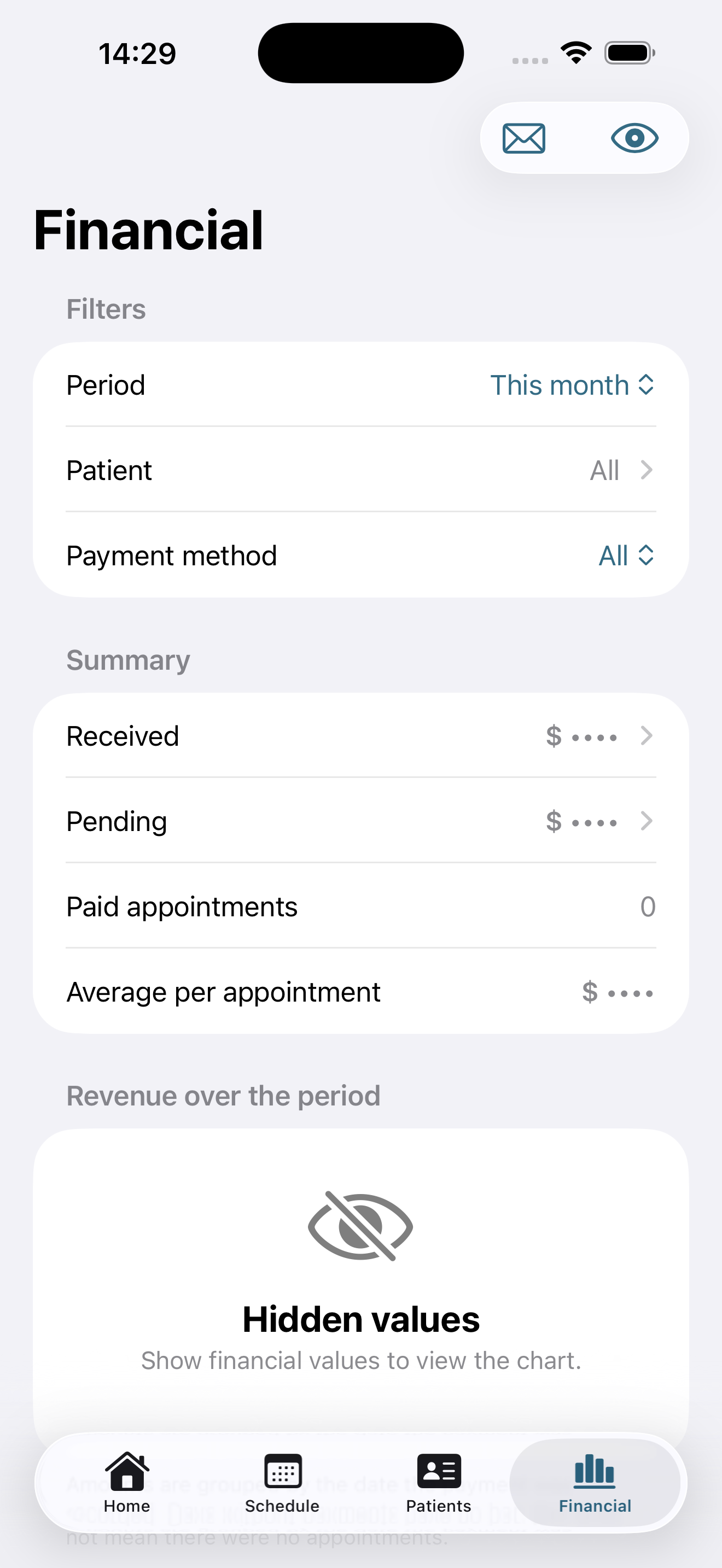
Filter payments, track pending amounts and review the period summary, with the option to hide financial values.
Review schedules and patients, create or complete appointments, and record payments through Siri or the Shortcuts app.
Schedule
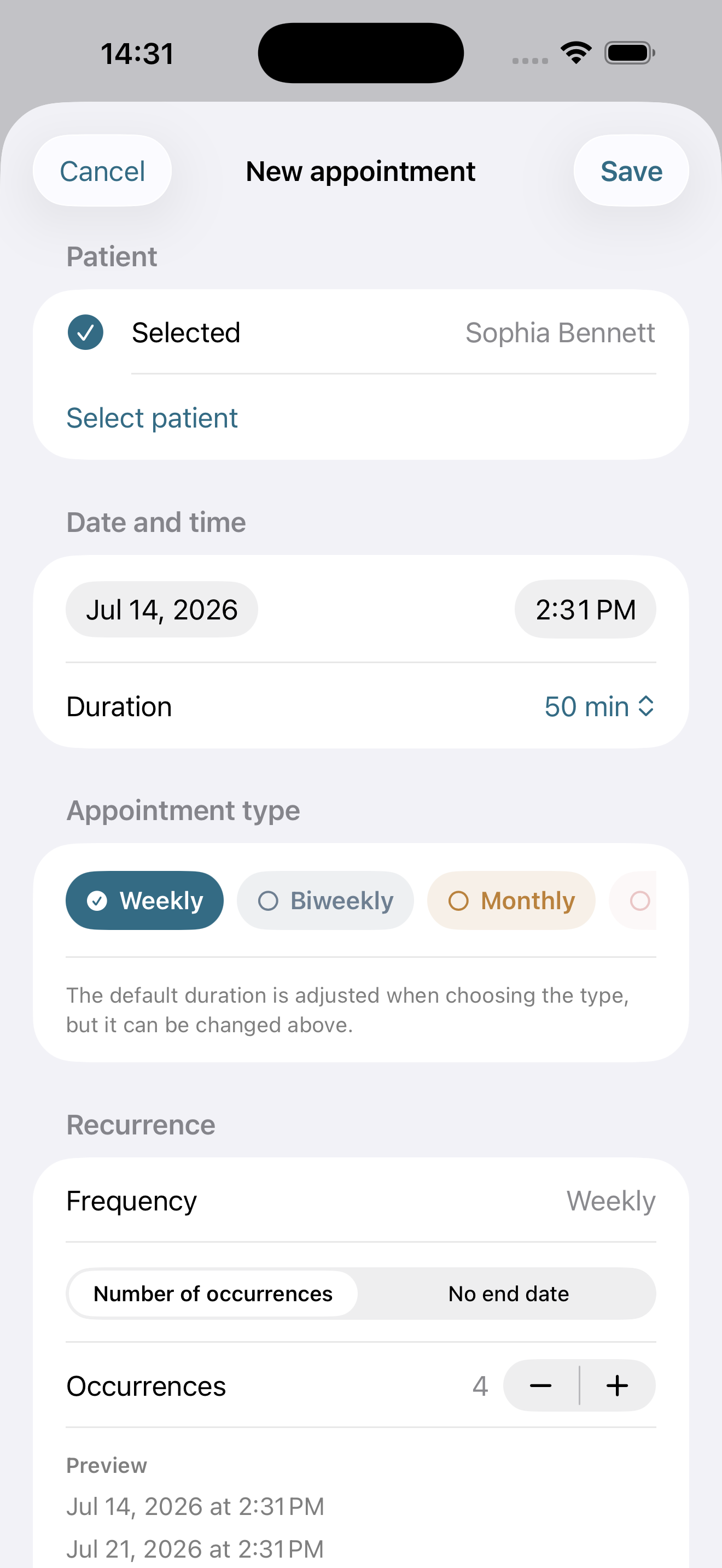
Plan your day, follow weekly, biweekly, or monthly routines, and keep reminders aligned with your iOS Calendar.
Patients
Search, filter, and review patient records with the information that matters most to your routine.
Financial
Filter by period, patient, and payment method to understand your practice without turning the app into an accounting system.
Privacy and security
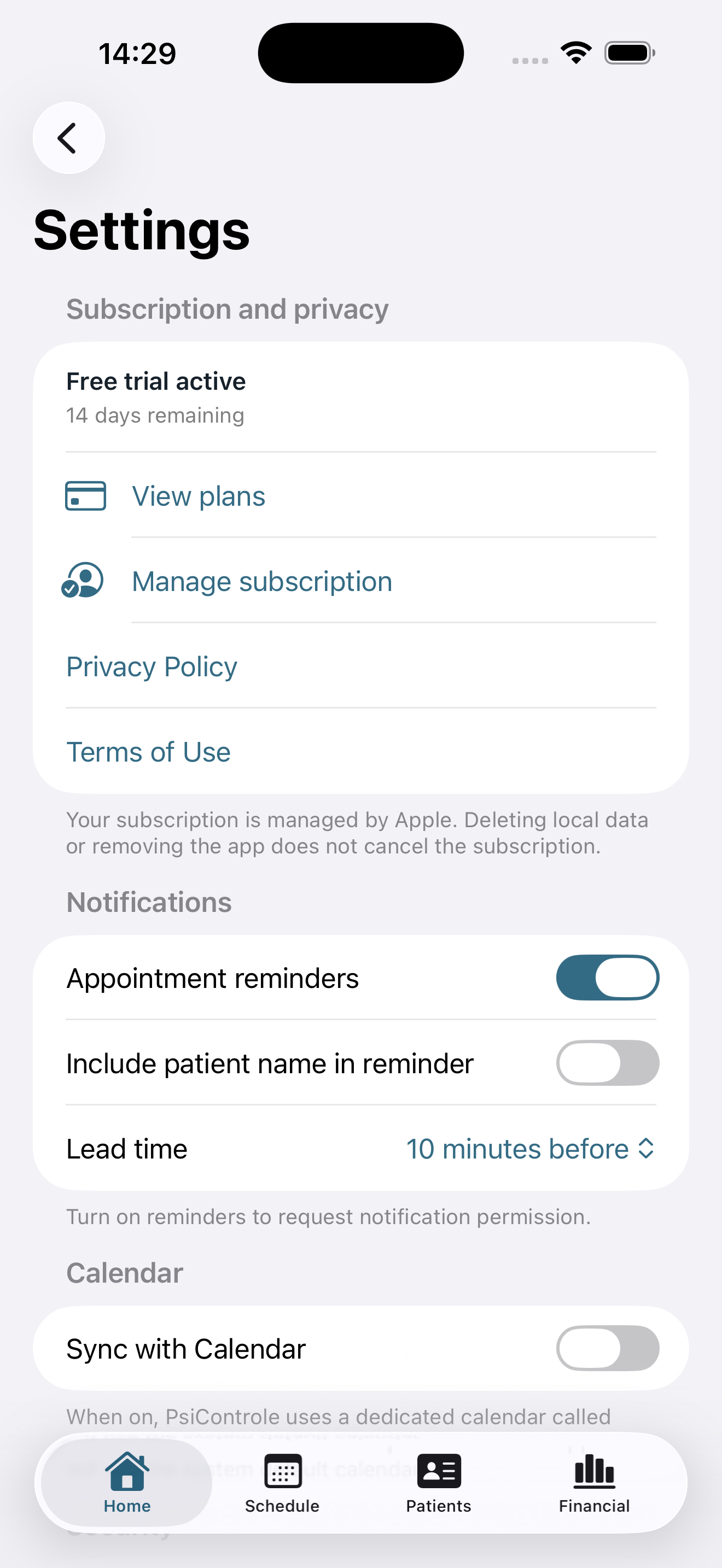
Your data stays on your iPhone by default. Starting with version 1.0.8, you can choose to also save it in your Apple Account’s iCloud and use it on other devices. The PsiControle team cannot access the contents of this private area. Calendar, notifications, Siri, Shortcuts, device search, and export are also optional. Understand where your data is kept and how to delete it.
Screens
Explore the core areas of the app: home, schedule, patients, patient context, new appointments, financial, and settings.
PsiControle
Start with a simple app designed for psychologists who want clarity, privacy, and less operational friction.
Download on the App Store